One tap, one entry
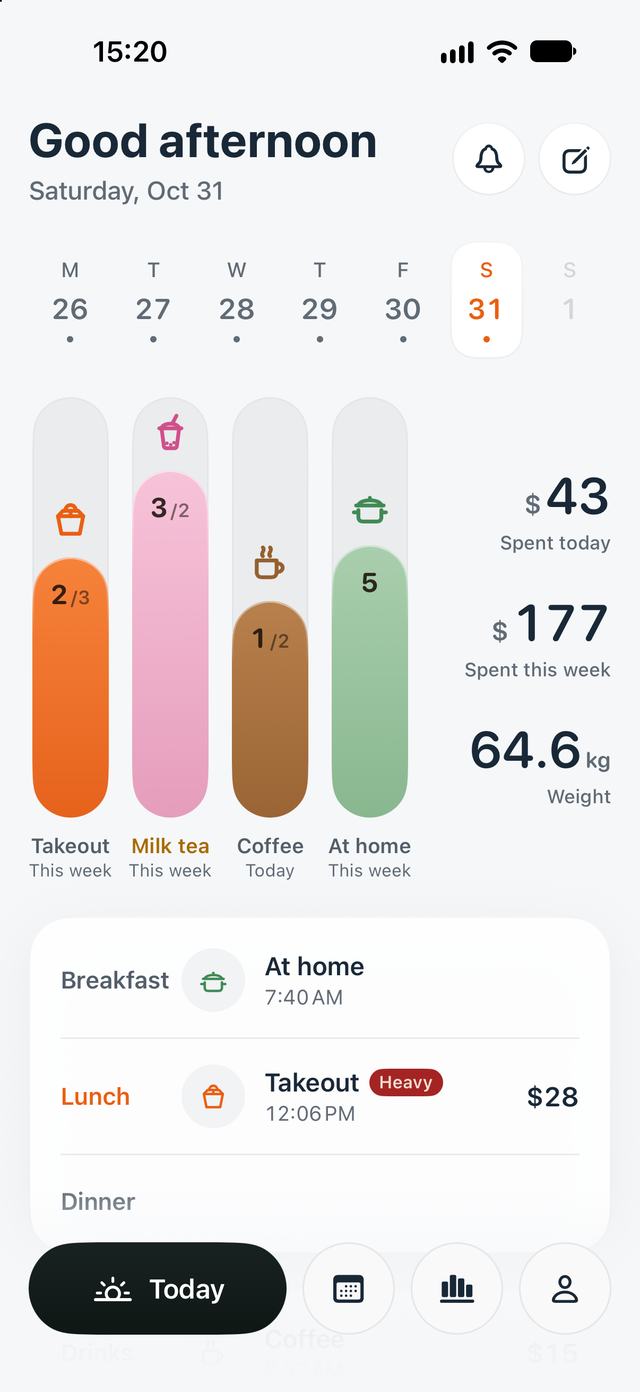
One bar for each category.
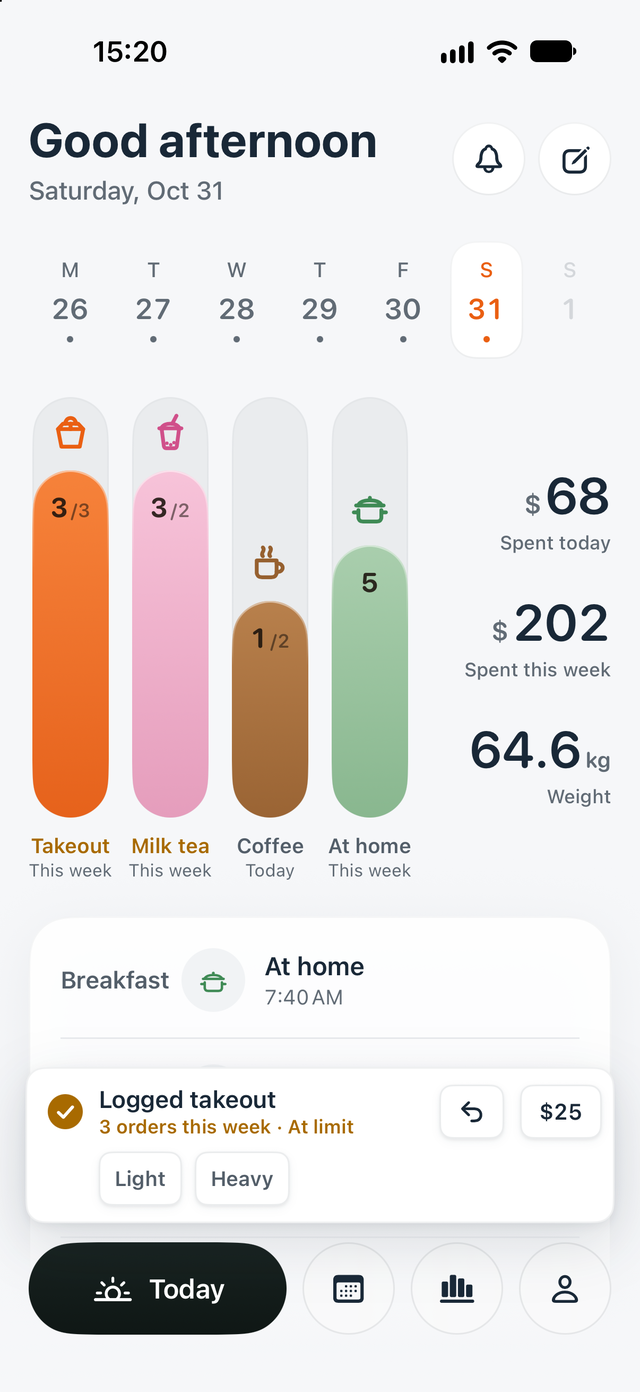
Each category on Today is a bar. Tap it once and that's one logged. A confirmation then lets you add a price or a tag, or undo a mis-tap.
 Tapbite
Takeout, milk tea, coffee, meals at home: tap once to log, add a price if you like. Meals, spending and weight, clear by the end of the week.
Screens show sample data and may differ in the released version.
One bar per category on Today. Meals sort themselves, and your Apple Watch logs too.
One tap, one entry
Each category on Today is a bar. Tap it once and that's one logged. A confirmation then lets you add a price or a tag, or undo a mis-tap.
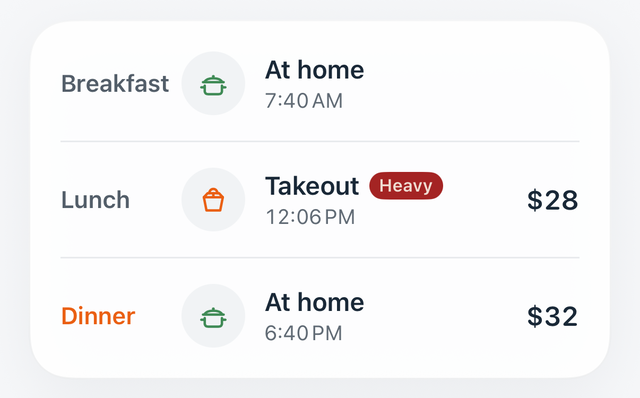
Meals sorted for you
4:00–10:30 counts as breakfast, 10:30–16:00 as lunch and 16:00–21:30 as dinner; any other time is late night. When you log something afterwards, check the date. Drinks and weight are logged on their own.
Apple Watch
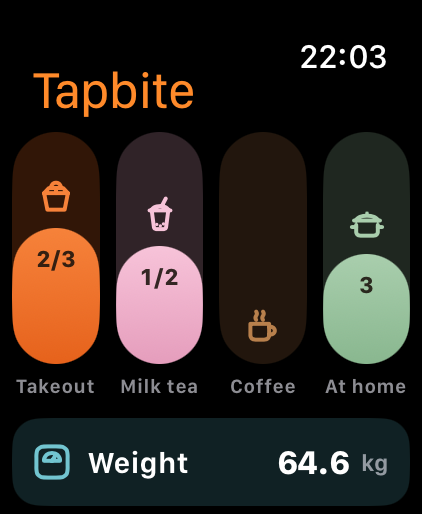
Apple Watch shows the same bars: tap to log, undo, or turn the Digital Crown to record your weight. If your phone isn't connected, entries wait in line and sync once it is. The watch app itself is free; watch complications are part of Pro.
Look back
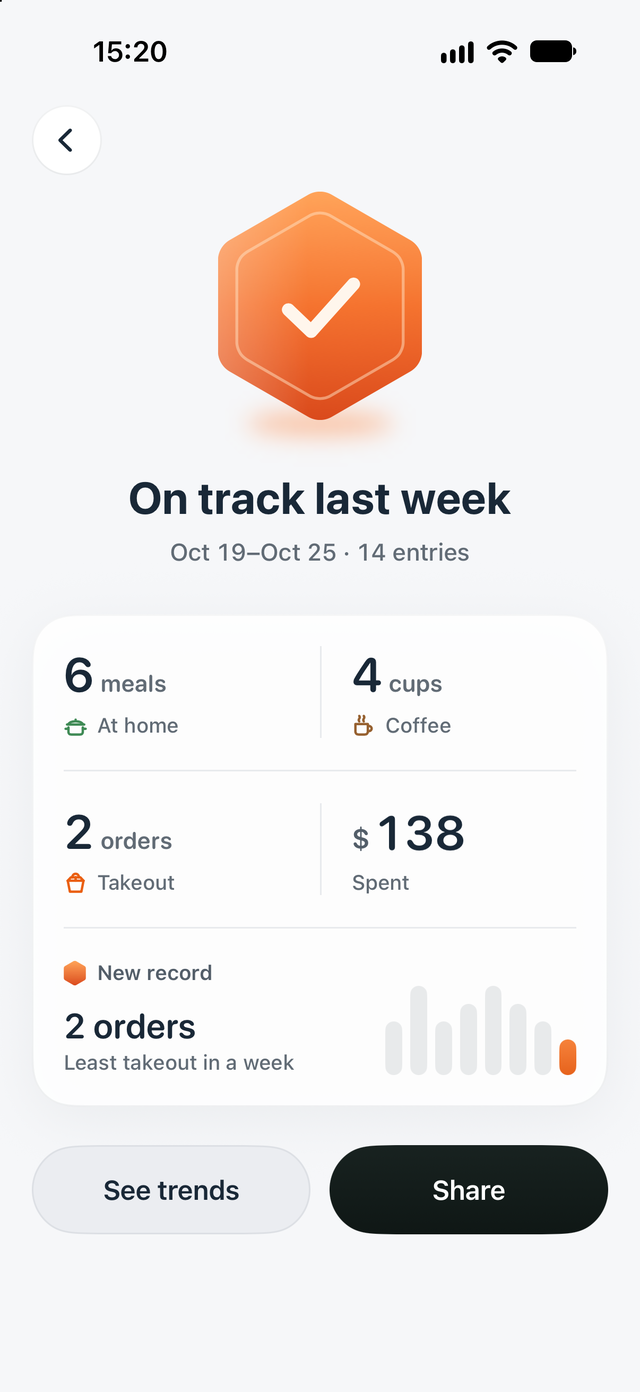
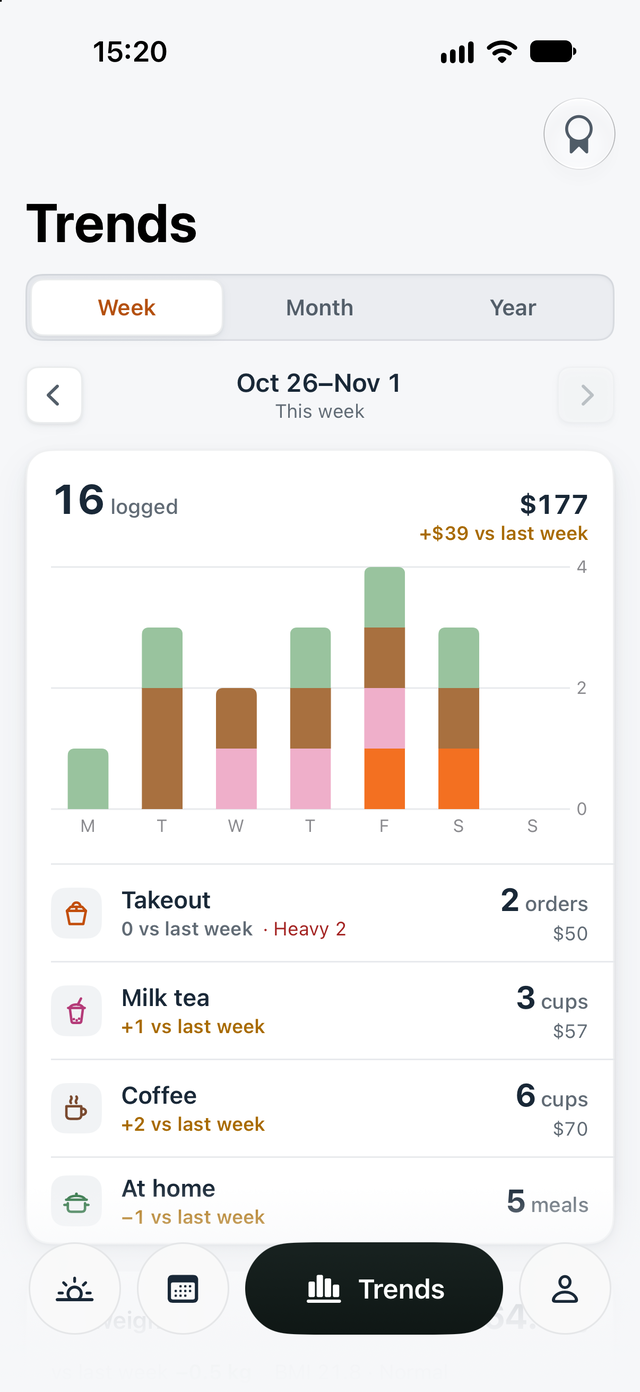
Every week gets a summary: how many entries, how much you spent, at a glance. Trends show each category's count and spending by week or month, compared with the period before. Yearly trends and entries older than 60 days are part of Pro.
Sample
Widgets
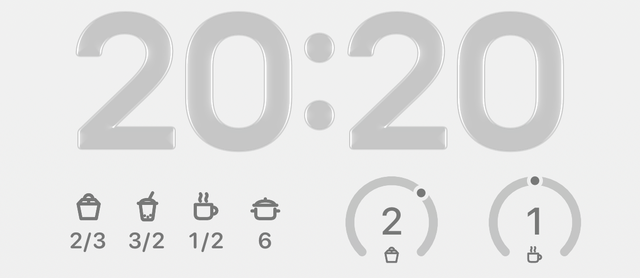
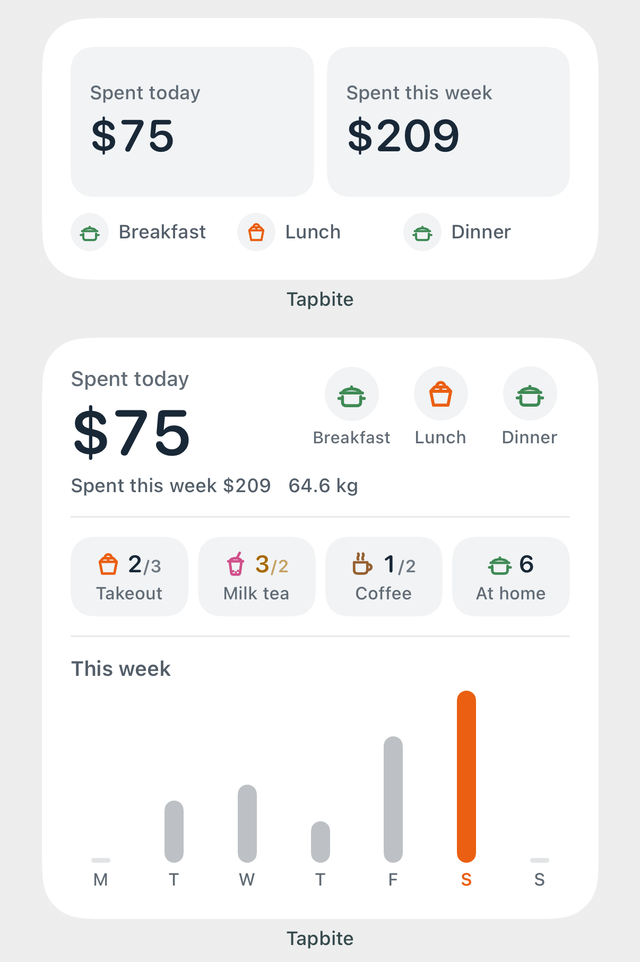
The medium widget shows what you've spent today and this week. The large one adds counts per category and a bar for each day, and tapping a category logs it without opening the app. On the Lock Screen you see each category's count, and the round widget takes you straight to logging. Widgets are part of Pro.
Weight, reminders, the Dynamic Island and backups.
Log it on its own. If you choose to add details such as height and birth year, the app estimates BMI and body fat on your device. Estimates aren't a diagnosis, and you can leave the details blank.
Breakfast, before lunch, weigh-in and the weekly summary are all scheduled on your device, with no push server. Once breakfast is logged, that day's breakfast reminder stays quiet. Rather not be nudged? Leave them off and log by hand.
Add a log button to Control Center for free. You can also log with a tap from the Dynamic Island, which is part of Pro.
Back up to a file and restore it on a new device. The free version can export and restore JSON; a restore only adds records you don't have yet and never overwrites existing ones.
No server receiving your records, no ads, no third-party analytics.
Food, prices, notes and weight are stored locally. We don't operate a backend that receives these records.
There's no iCloud sync. JSON backups aren't encrypted and may contain body details, so keep them somewhere safe.
Neither the app nor these web pages include advertising or third-party analytics or tracking SDKs. The website is hosted on Cloudflare Pages.
Pricing will be shown on the App Store page at launch.
Tapbite
Free
No ads
Tapbite Pro
One-time purchase
Family Sharing supported
Requires iOS 17 or later; Apple Watch requires watchOS 10 or later. The app comes in 18 languages and follows your system language.
For iPhone and Apple Watch. Until then, take a look at the help page and the privacy policy.
Tap a category bar on Today. The confirmation offers price, tags and undo; you can also open History to edit. The Light and Heavy tags are mutually exclusive.
Breakfast is 4:00–10:30, lunch 10:30–16:00, dinner 16:00–21:30 and other times are late night. Check the selected date when backdating. Drinks and weight are recorded separately.
Check Me → Reminders and system Settings → Tapbite → Notifications. You can leave notifications off and continue logging manually.
Choose Back up to file under Me → Data. JSON backup and restore are also available in the free version. Restore adds missing records without overwriting existing ones; settings are restored only when this phone has no records. The backup is unencrypted and may contain body details, so keep it secure.
Use the same Apple Account and tap Restore Purchase on the purchase page. See the released app for the exact Pro features.
Still have a question? Write to manekineko.slc@gmail.com